Geo SEO for builders: get found across your whole build radius
One good build can keep your crew busy for months, and you'll drive a long way for it. Geo SEO builds your Google Maps signals across that whole radius, suburb by suburb, so you can compete in the suburbs you'd gladly build in. This is local SEO for builders with a narrow job: Maps and suburb visibility, built from the projects you've already finished and kept inside Google's rules.


Why Geo SEO fits the building trade
Builders live on fewer, bigger jobs, so what counts is the right homeowner in the right suburb finding you when they start researching their renovation or new build. That research almost always starts with a local Google search.
By default, Google only shows your business near your registered address. Your real project radius is far wider than that. Geo SEO closes the gap by building relevance and trust suburb by suburb, through your Google Business Profile, suburb pages and GPS local signals from real project locations.
Building work also has a long decision cycle. People look you up several times before they ring. Showing up consistently across Maps and search in their own suburb is what keeps you on their shortlist the whole way through.
Your reporting shows rankings for every target suburb, and our no lock-in policy means we keep you with results rather than a contract.
What's included
Project radius mapping
We map the suburbs inside your realistic build radius where demand for builders is strong and the top map spots are winnable. That means checking who already holds the map results in each suburb and how strong their profiles are, against the build types you want and how far your crew will travel. Suburbs where you've already finished work go first.
Google Business Profile setup for builders
Categories, services and service areas configured so Google understands the kind of building work you do and where you do it. Google's guidelines ask for a business name that matches your real-world name, with no suburbs or service keywords added. Custom homes, renovations, extensions and granny flats go in the services list rather than being forced into the name or categories. The full set-up is in our [Business Profile checklist](/resources/google-business-profile-checklist/).
Suburb landing pages
A page for each target area covering builds and renovations there, written for that suburb instead of duplicated. Each one carries something true of that place: the builds you've completed there, the kinds of blocks and homes you work with, photos from local sites. A suburb with nothing real to say yet gets a mention on a nearby page instead of a thin page of its own.
GPS local signals
Location signals from real project areas that prove to Google you genuinely build there. They come only from suburbs where you've actually worked, so every signal lines up with a real build.
Past project proof
Completed builds, photos and reviews tied to the suburbs they happened in, which is the trust signal homeowners look for first. Each finished job becomes a project page and a set of profile photos, linked to the matching suburb page, so the evidence sits where a homeowner from that suburb will see it.
Citations and consistency
Matching business details across directories, so Google trusts you well beyond your registered address. In Queensland, the QBCC's advertising rules ask licensees to show their licensed name and licence number on websites, social media pages and online service directories, so those details go on every listing. More in [citations and business listing accuracy](/resources/business-listing-accuracy/).
Suburb-by-suburb tracking
Live rankings for every target area, so you can see where each suburb stands and how it is moving. Beside the rankings sit the numbers that matter more to a builder: calls from the profile, website enquiries tagged by source, and which suburb each one came from. Our [call tracking](/services/call-tracking/) work ties the two together.
What Maps can reach across a build radius, and where pages take over
Maps can't put you at the top in every suburb you'd build in, and anyone who says otherwise is overselling. Google's Business Profile Help says local results are based mainly on relevance, distance and prominence. Distance means how far each business is from the person searching, and no amount of work moves your base. A homeowner standing in a suburb an hour away will usually see builders closer to them first.
Relevance and prominence are where the work happens. Relevance is how well your profile matches the search, and prominence is how well known the business is. Google also states that there's no way to request or pay for a better local ranking.
So the plan splits the radius into zones. Close to your base, the map pack is a realistic target. Further out, homeowners still search the suburb name, and suburb and project pages in the ordinary results carry the load.
| Zone | What usually shows | What the work leans on | Realistic aim |
|---|---|---|---|
| Near your base | The map pack, ranked heavily on distance | A complete profile, reviews and replies, photos of local builds | A regular place in the map results |
| Middle of the radius | Map pack for some searches, ordinary results for others | Service areas that include the suburb, a suburb page, finished projects there | Map results in some spots, page one for suburb searches |
| Outer edge | Mostly ordinary results for suburb-named searches | A written suburb page and project pages from that area | Being found when a homeowner searches the suburb by name |
| Beyond about two hours' drive | Not a target | Google's service area guidance caps the area at about two hours of driving | Leave it out of the plan |

The builder searches each page is built for
Builder searches split by build type, and each type rewards a different page. A homeowner planning a knockdown rebuild searches differently from one adding a second bathroom, so treating 'builder' as one search leaves most of them on someone else's site.
The examples below show how people phrase these searches. They're examples, not measured volumes. Your own list comes from the searches figure in your Business Profile performance report, which shows the search terms people used to find you, and from the Performance report in Search Console for your website. Our builder lead qualification guide helps sort the enquiry types worth chasing.
| Search type | Example searches | Page that answers it | Where it shows |
|---|---|---|---|
| Builder plus suburb | builder Buderim, home builder Palmwoods | Suburb page linked to your projects there | Map pack near your base, ordinary results further out |
| New and custom homes | custom home builder plus a suburb, new home builder near me | A custom homes service page with completed builds | Ordinary results, Maps for near me searches |
| Renovations and extensions | home renovation builder, second storey extension plus a suburb | A renovations page, with project pages showing before and after | Ordinary results and Maps |
| Knockdown rebuild | knockdown rebuild builder plus a region | A page explaining how you run the process, if you offer it | Mostly ordinary results |
| Granny flats and secondary dwellings | granny flat builder plus a suburb | A dedicated page if you build them, linked from suburb pages | Ordinary results and Maps |
| Checking you out | your business name, your name plus reviews | Your profile, review replies and licence details | Your Business Profile panel |
Setting up the profile when you build from home or a yard
Most builders don't have an office that clients visit, and Google's Business Profile rules cover that case as a service-area business. Getting this right comes first, because Google's guidelines say it can suspend profiles that break them, and a suspended profile shows in no suburb at all. These are the rules the profile is set up against, taken from Google's Business Profile Help. If your profile is already suspended, our guide to Business Profile suspension covers that first.
- Hide the addressGoogle says that if you don't serve customers at your business address, you should remove it from the profile. Your home or yard stays private and the profile shows a service area instead.
- Up to 20 service areasService areas are set as suburbs, cities or postcodes, up to 20 of them. Google doesn't allow a radius drawn around your base, so the areas are chosen to match where you take builds.
- About two hours' drive at mostGoogle says the overall service area shouldn't extend more than about 2 hours of driving time from where the business is based. Adding distant suburbs to look bigger breaks that rule.
- One profile for the businessGoogle says there should only be one profile per business. Extra profiles for other suburbs aren't allowed, and nor is a virtual office: a rented mailing address you don't operate from isn't eligible.
- Your real nameThe name matches what's on your signage, website and paperwork, with no suburbs or service keywords added.
- Licence details on showThe QBCC's advertising rules ask licensees to include their licensed name, a statement that they're licensed under the QBCC Act and their licence number. That applies to your website and your directory listings as well as your vehicles and site signs.
How an engagement runs, and what you supply
An engagement usually starts with the suburbs where you've already built and moves outward. The order below is how the work is sequenced; how fast each step moves depends on your market and your starting point, so there's no promised timeline attached. What you supply matters as much as what we do: project addresses or suburbs, completion months, photos, and a list of build types you want more of and less of.
The work covers your profile, listings, suburb and project pages, local signals and reporting. It doesn't include paid ads, lead platforms or a website rebuild. Our builder marketing service covers everything from ads to your website. Referrals and ads keep doing their job alongside it; our comparison of SEO and Google Ads explains where each fits.
- Map audit and radius mappingYour profile is checked against Google's guidelines, the current map results are looked up for each target suburb, and we agree the build types you want, the ones you don't, and how far you'll travel.
- Profile fixesName, categories, services list, hours, service areas, description and photos are corrected first, since every later step builds on the profile.
- Listings clean-upName, phone and licence details are matched across directories, and duplicates and old numbers are fixed.
- Project and suburb pagesCompleted builds become project pages, and suburb pages go up for the areas where you have the projects and photos to make them real.
- Reviews after handoverEvery client is asked the same way once the job is handed over. Google's review policy bans offering incentives and asking only the clients you expect to be happy, so the routine stays inside those rules. Our guide to getting more Google reviews has the detail.
- Expanding to new suburbsAs rankings and enquiry numbers come in, they show which suburbs are moving, and the next suburbs are chosen from that evidence. Our map expansion page covers this stage.
Worked example: a hypothetical Palmwoods renovation, from handover to report
Say a builder works from a yard in Nambour and hands over a second storey extension in Palmwoods. This is an illustration, not a client, and every reading in the table below is made up to show how the work and the report fit together.
The finished job becomes a project page. It names the suburb and the build type, says what the brief was and what made the site tricky, carries captioned photos from start to finish, notes the month of completion, and links to the Palmwoods suburb page and the extensions service page. The same photos go on the Business Profile, and the client is asked for a review at handover. Our guide on when local landing pages deserve indexing sets out the test each page has to pass.
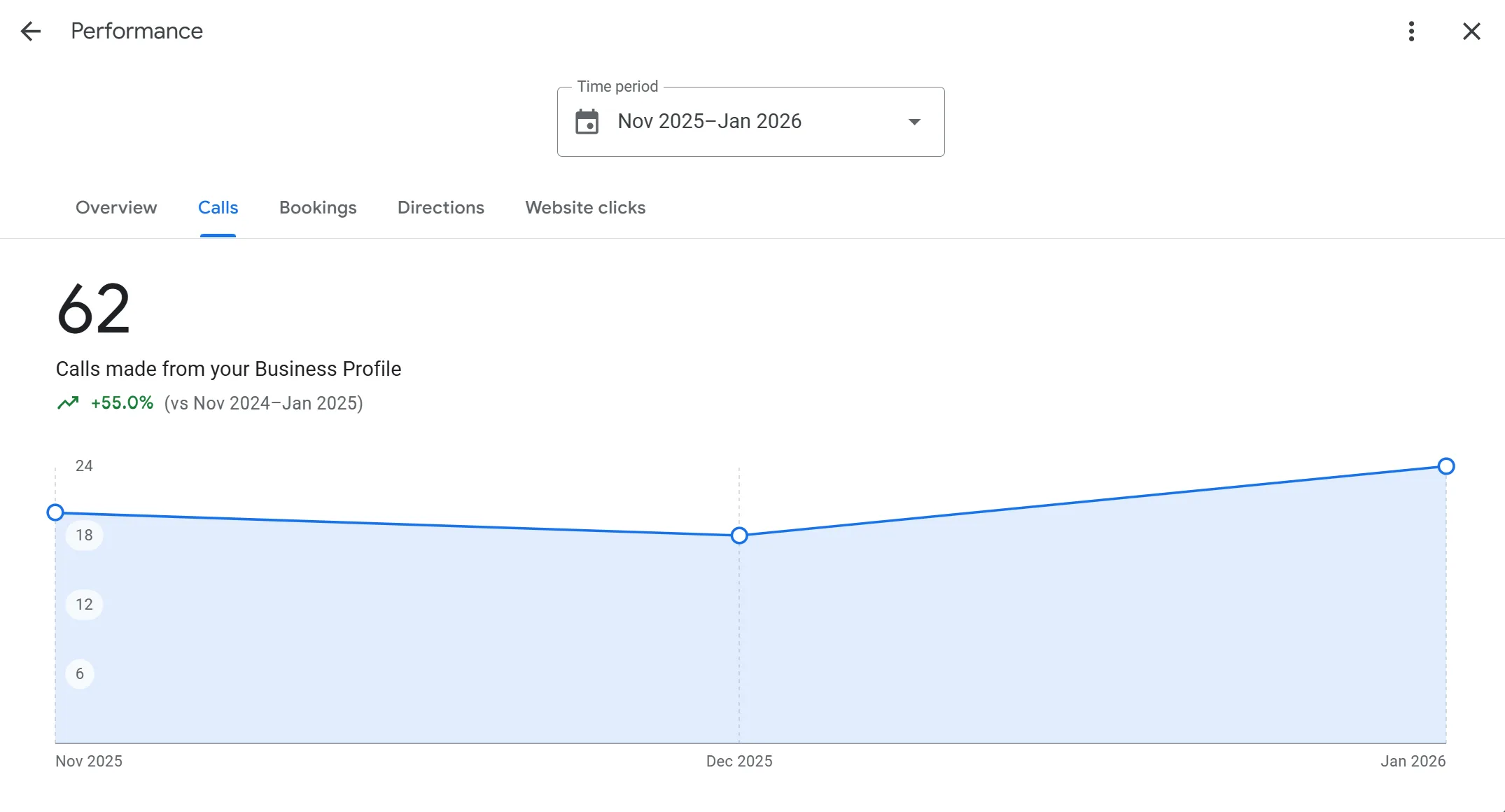
A check from your own phone at the yard says little about Palmwoods, so a rank grid runs the same search from points spread across the radius. Rankings are only half the report. The Business Profile performance report counts calls, meaning the number of times someone tapped the call button, plus website clicks and the search terms people used. A tap isn't a signed contract, so those numbers get compared with the enquiries you logged. UTM tags on the profile's website link let Google Analytics 4 show those visits as their own source in its Traffic acquisition report. More in call tracking and conversion reconciliation.
| Area or search | Illustrative reading | What it suggests | Next step |
|---|---|---|---|
| Around the Nambour base | Top three at most grid points | Distance and reviews are doing their job near home | Keep photos and reviews coming from each handover |
| Palmwoods | Map results on the northern points only, page one for the suburb search | The project page and suburb page are being picked up | Add the next Palmwoods build as it finishes |
| Buderim | Absent from map results, page two for the suburb search | Nothing much ties you to Buderim yet | Hold until a real Buderim build can anchor a page |
| The search granny flat builder | Weaker than renovations in every area | Granny flats aren't clear on the profile or site | Add the service and a page if you want that work |

Built for project-based trades like yours
A builder based in Maroochydore might have active sites in Noosa, Caloundra and Palmwoods all at once. Your Maps visibility should cover each of those suburbs.
Homeowners here search with their suburb in mind. Someone planning a renovation in Buderim wants a builder who works in Buderim, and Google decides who fits that description.
We start with the suburbs where you already have completed projects and natural relevance, then expand into the higher-value areas as your authority grows.
Questions we get asked
My jobs take months. Is Maps visibility still worth it?
Often, yes, because a builder needs far fewer enquiries than a volume trade to keep a crew busy, so each suitable enquiry carries more weight. Building work also has a long decision cycle, and people look you up several times before they ring. Showing up consistently in their own suburb keeps you on their shortlist. Whether it pays for your business depends on your margins, your market and the suburbs you target, and no one can promise that ahead of time.
Can I target the suburbs with bigger budgets?
Yes, targeting the suburbs with bigger project budgets is usually the plan. We check the search data for each area first, then weight the work toward the suburbs where the project values justify it. The work starts in suburbs where you already have completed projects and natural relevance, then expands into the higher-value areas as your authority grows, with rankings tracked for every target suburb.
How is this different from your builder marketing service?
Geo SEO for builders is narrower than our builder marketing service. Builder marketing covers everything from ads to your website. This is one product: Geo SEO, which builds your Maps and local search signals suburb by suburb through your Google Business Profile, suburb landing pages, GPS local signals, past project proof and consistent citations. The two work together.
Do display homes or past projects help?
Yes, display homes and past projects help a lot. Real projects in a suburb give us photos, reviews and location signals to anchor that area. We build each suburb's relevance around the work you've already done there, tying completed builds to the suburbs they happened in, which is the trust signal homeowners look for first. Those suburbs are also where the work starts, before expanding into higher-value areas.
How much should I pay for local SEO as a builder?
It depends on the scope, so there's no single figure that fits every builder. The main drivers are how many suburbs and build types you want to cover, how many established builders already hold those results, and how many completed projects you have to work from. A suspended profile or a trail of duplicate listings adds work up front. Our Geo SEO pricing page explains how a quote is put together.
How long does local SEO take for a builder?
There's no fixed timeline, and a promised number of weeks should make you wary. Suburbs close to your base, where you already have builds and reviews, tend to respond before outer suburbs that need new project pages first. Builders also wait longer between enquiries than most trades, so judge progress on months of data. Our guide on how long local SEO takes sets out what to check along the way.
Can I do local SEO myself?
Yes, much of it, and some parts are better done by you. You can claim and complete your profile, photograph every build, ask each client for a review at handover, reply to every review and keep your details the same everywhere. The work worth handing off is the slower part: suburb and project pages that stay clear of Google's spam policies, listing clean-ups, rank grids and enquiry tracking. Start with our Business Profile checklist.
Is SEO dead now that AI answers show up in Google?
No. Google says there are no additional requirements to appear in AI Overviews or AI Mode and no special schema.org markup to add; a page needs to be indexed and eligible to show with a snippet. So the same work applies: clear suburb and project pages, an accurate profile and matching listings. Whether an AI answer names your building business is that product's decision, and no one can guarantee it. More in how AI Overviews work.
Keep exploring
Want the phones ringing?
Tell us your suburb and your trade. We'll show you which searches and suburbs we'd target first.